Jump directly to main navigation Jump directly to content

   “Assembled in Germany” – for the highest quality and reliability – Learn more!

   “Assembled in Germany” – for the highest quality and reliability – Learn more!

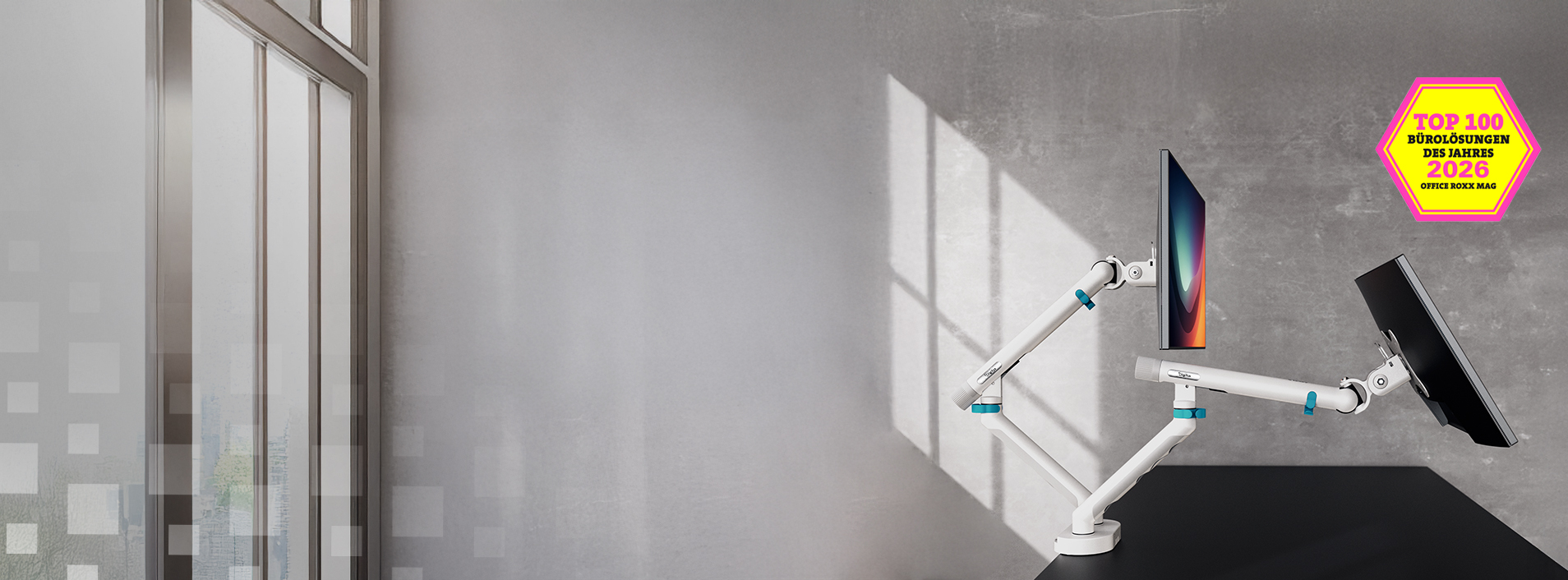
DIGITUS Design Monitor Mounts
Exclusive design meets IGR-certified ergonomics. 


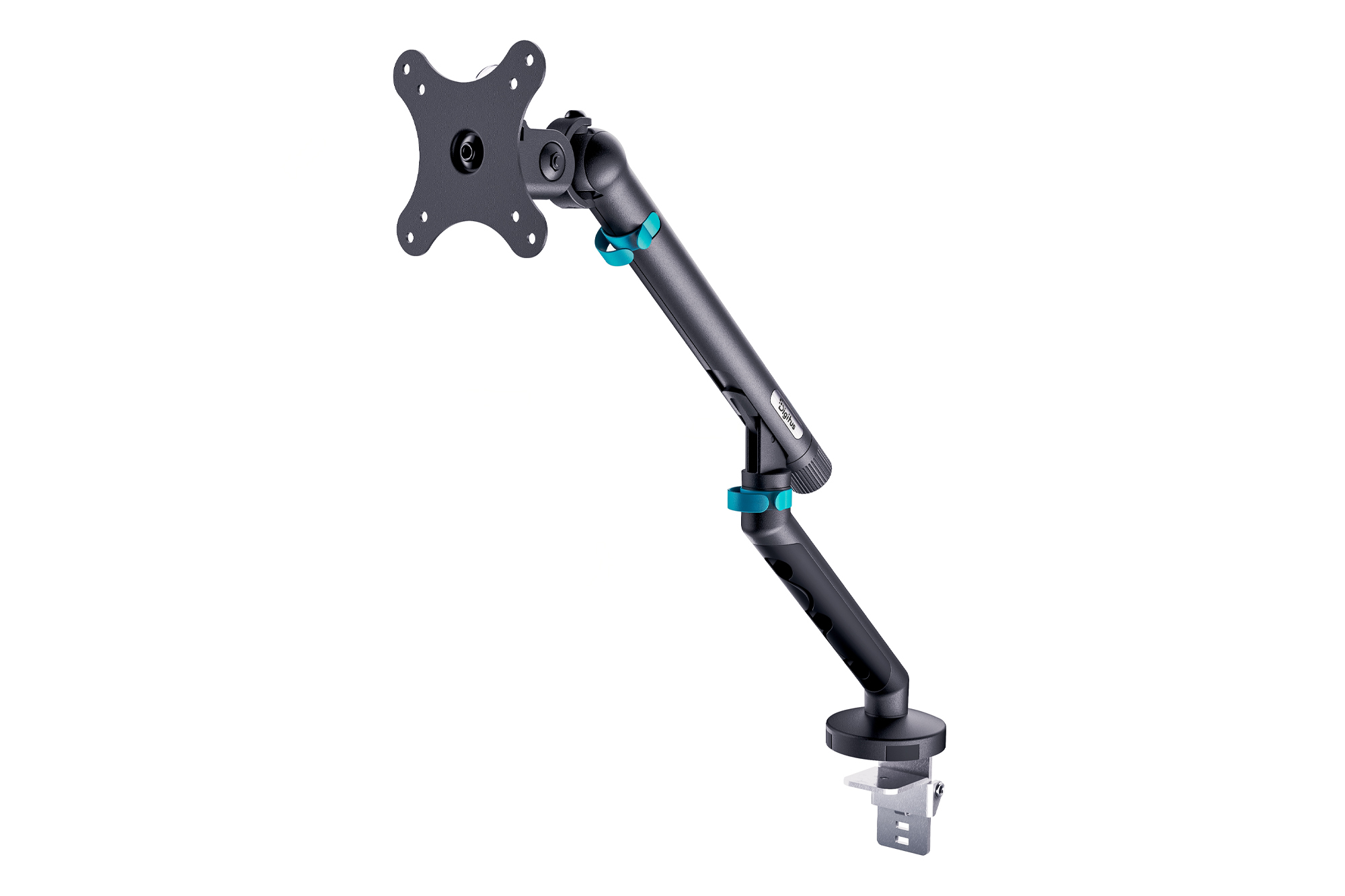
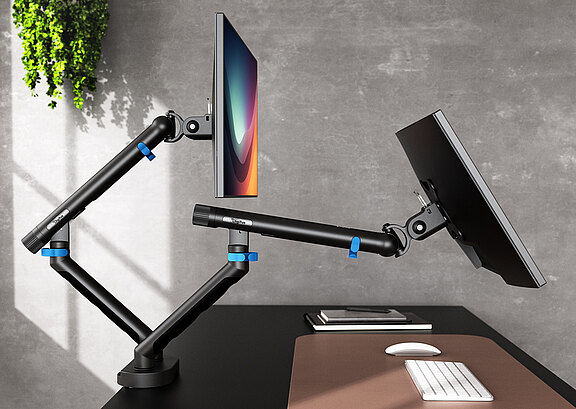
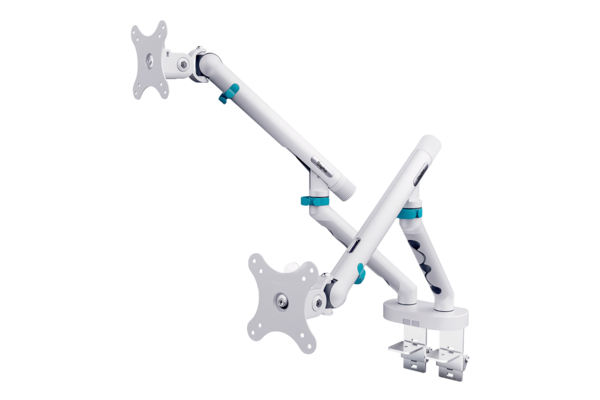
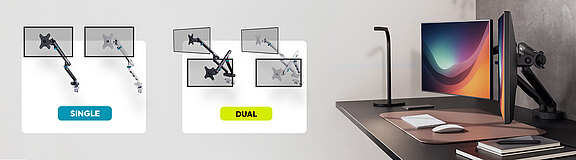
DIGITUS Design Monitor Mounts as Single or Double

A tidy, ergonomic, and stylish workplace is more important today than ever. Whether in a home office or an open-plan office, this is exactly where our new DIGITUS Design Monitor Mounts come in. Available as a single mount for one screen or as a dual mount for two monitors (each in elegant white and timeless black), they offer the perfect combination of functionality and aesthetics. 

The exclusive design was created in close collaboration with a renowned German designer and elevates your desk to the next level. But what can the mounts do in detail? Here you will find everything you need to know about our premium mounts.


To the monitor mounts

What makes our monitor mounts special?

Our DIGITUS® monitor mounts are not just attachments for screens. They are well-thought-out ergonomic wonders that noticeably improve your workday. 
 

Why Design Monitor Mount?

A monitor mount is a central element on your desk and should harmoniously fit into the room concept. The exclusive appearance, developed with a German designer, ensures a clean, modern, and professional look. An essential part of this design is the integrated cable management. Power and HDMI cables are routed invisibly through the arms of the mount. 

The result? No more unsightly cable mountains on the desk – instead, maximum order and a clean workspace.
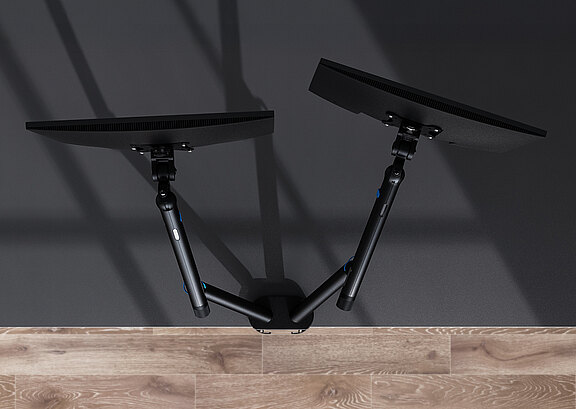
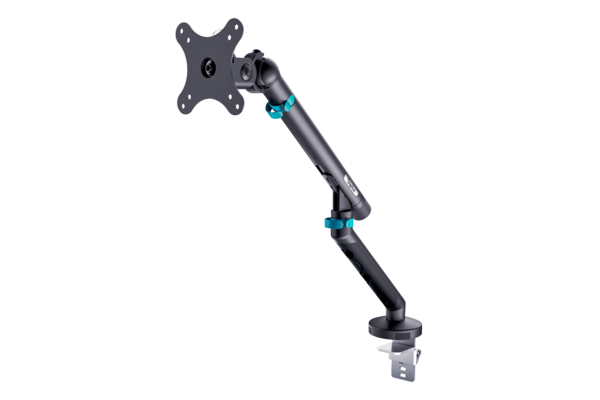
Single design monitor mount, 35", 10 kg, black

Shop Now

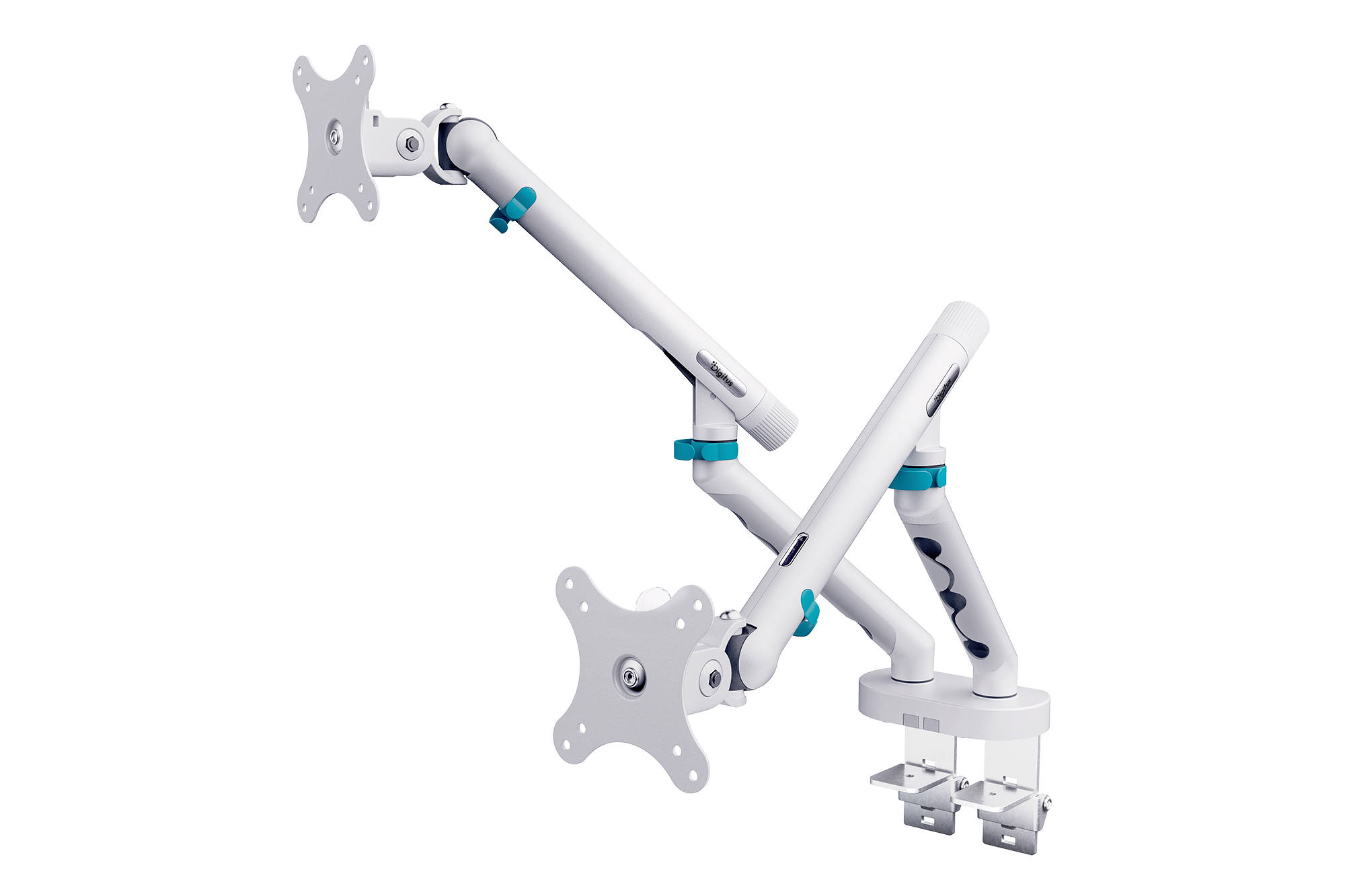
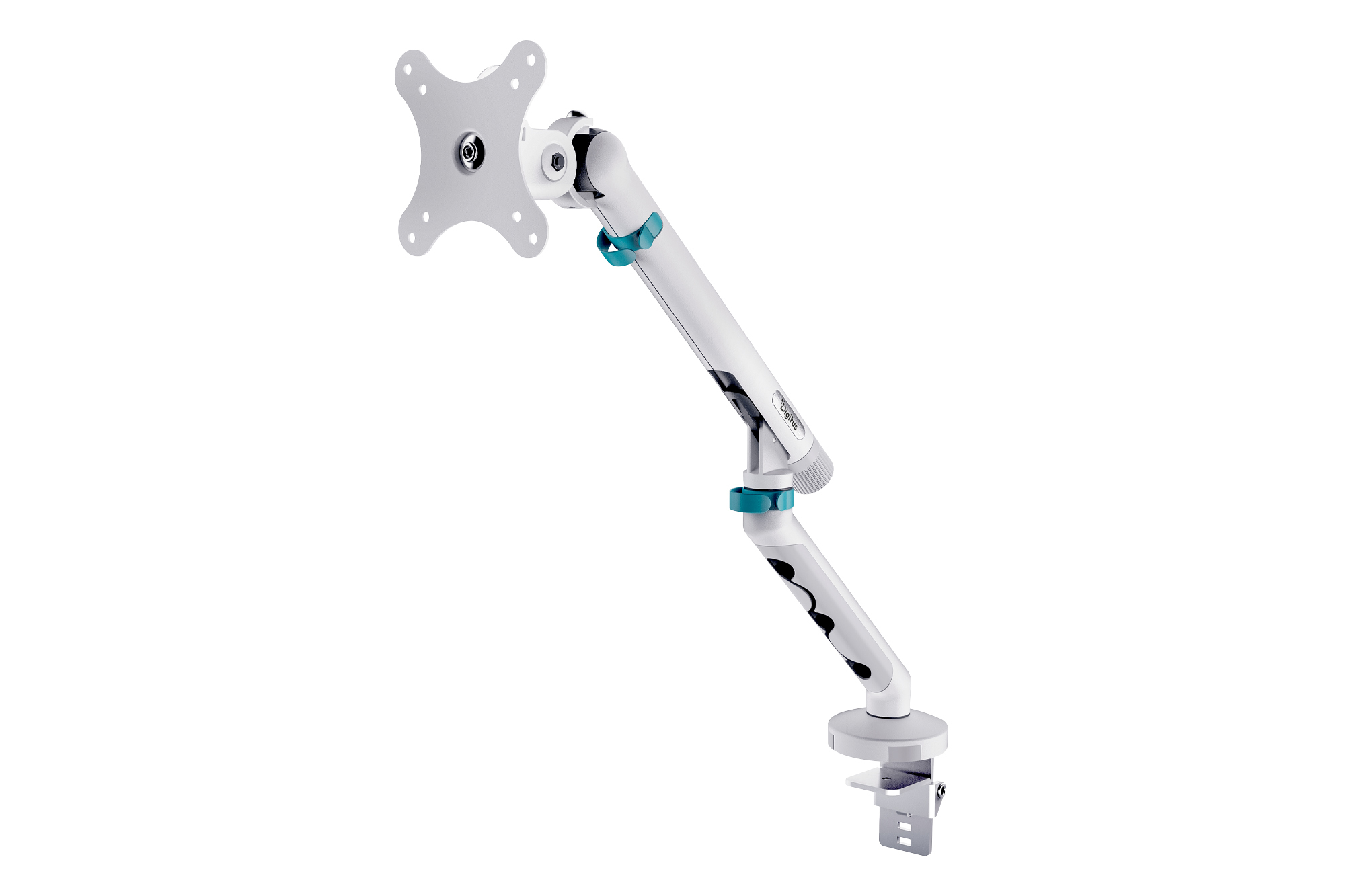
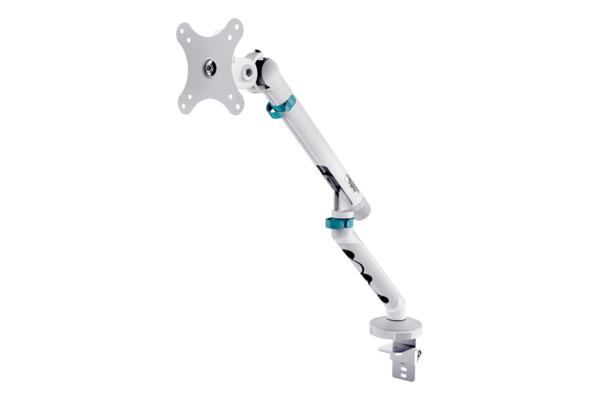
Single design monitor mount, 35", 10 kg, white

Shop Now

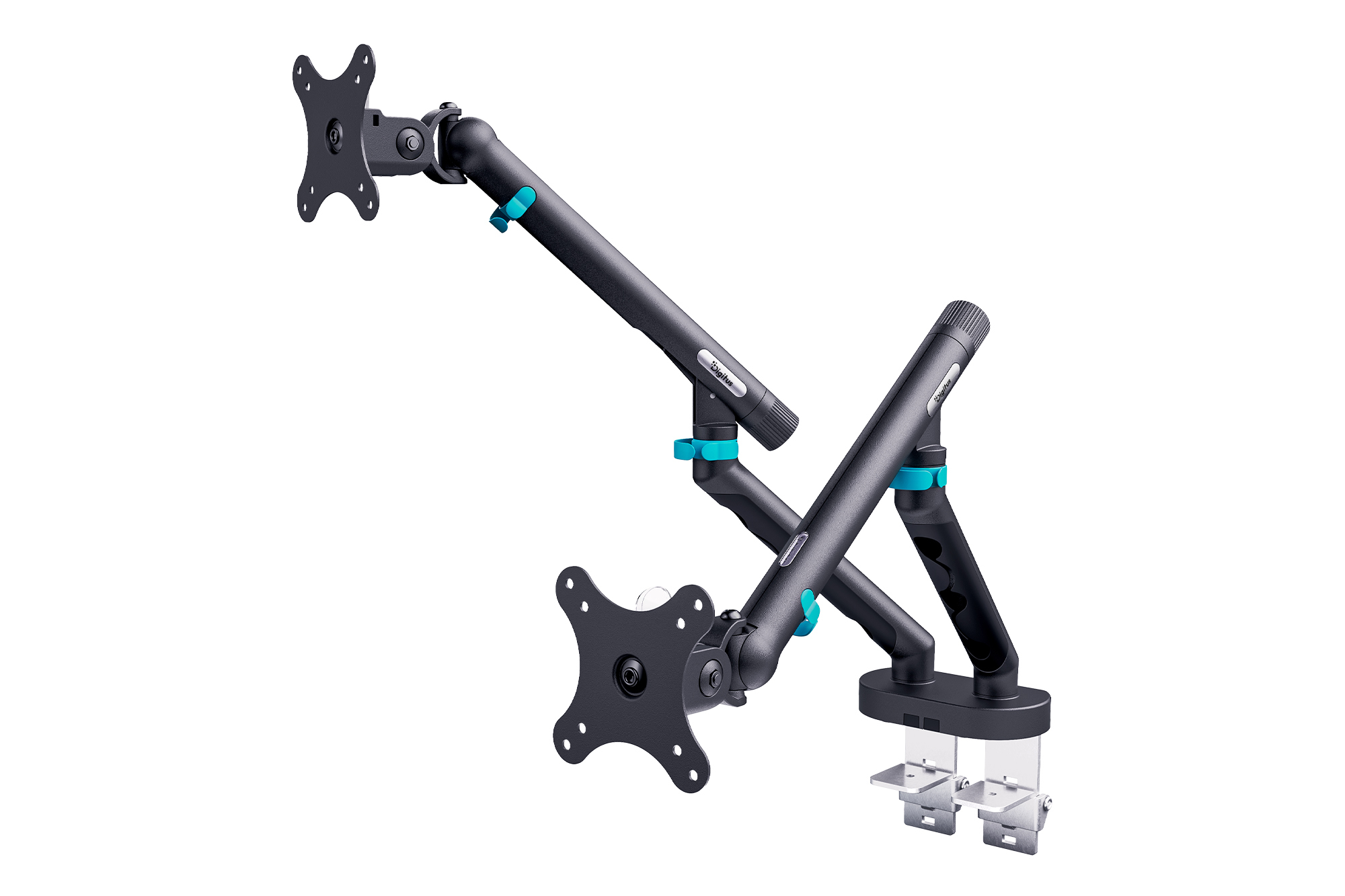
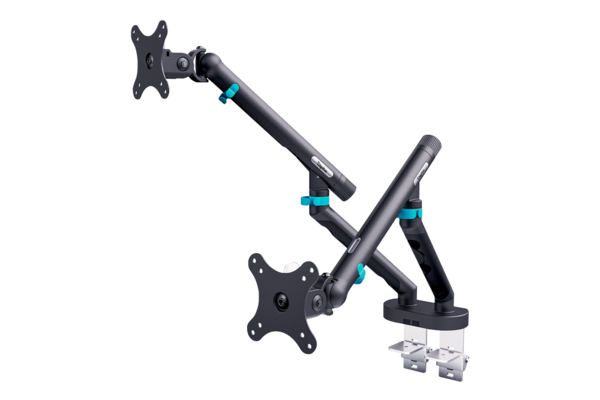
DIGITUS Dual Design Monitor Mount, 2x 35", 2x 10 kg, Black

Shop Now

DIGITUS Dual Design Monitor Mount, 2x 35", 2x 10 kg, White

Shop Now


Tool-free and easily adjustable

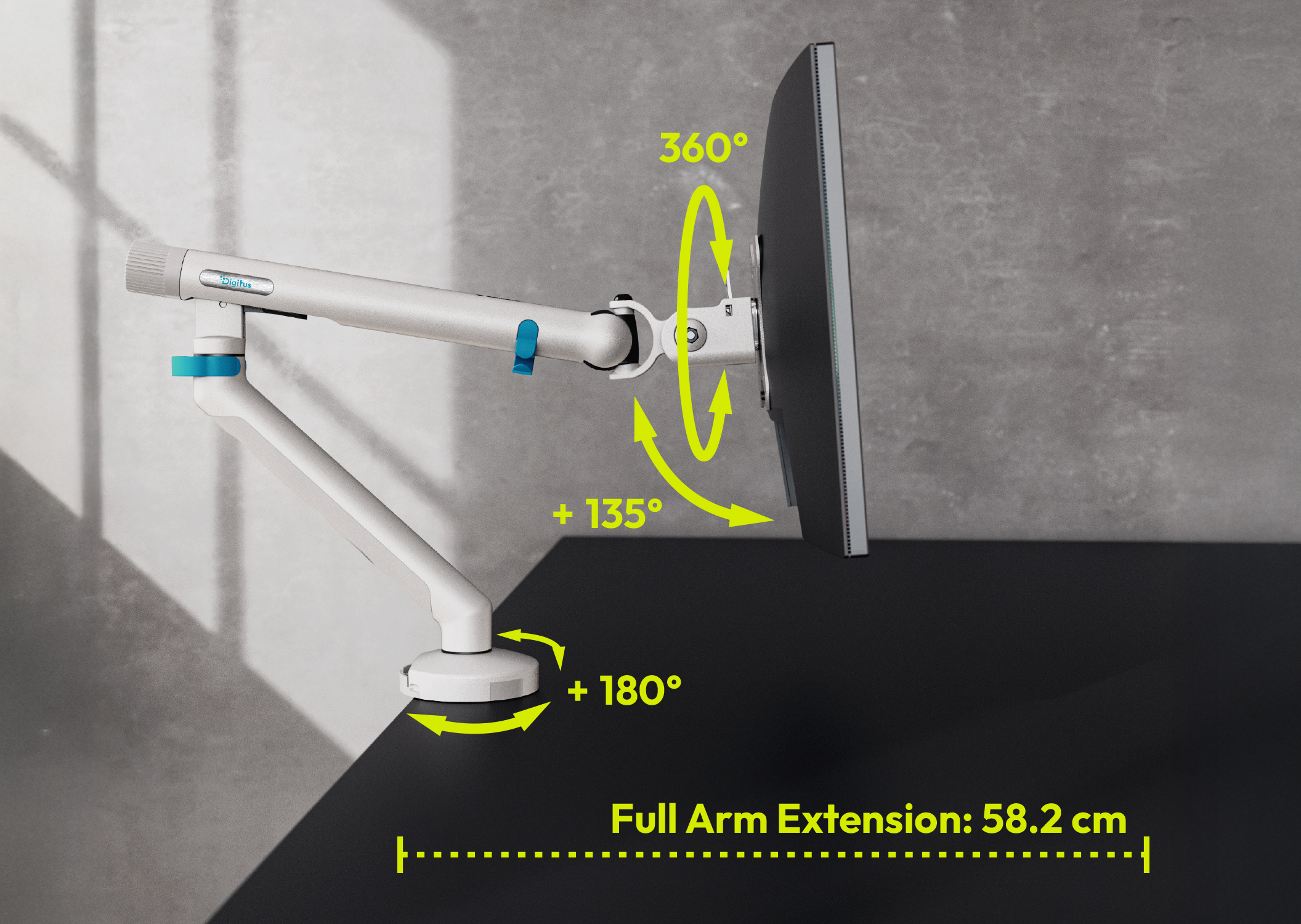
The monitor arm can be easily adjusted without tools, thanks to the mechanical spring with tension adjustment and weight display. Your monitor remains stable and can be easily positioned with a finger.


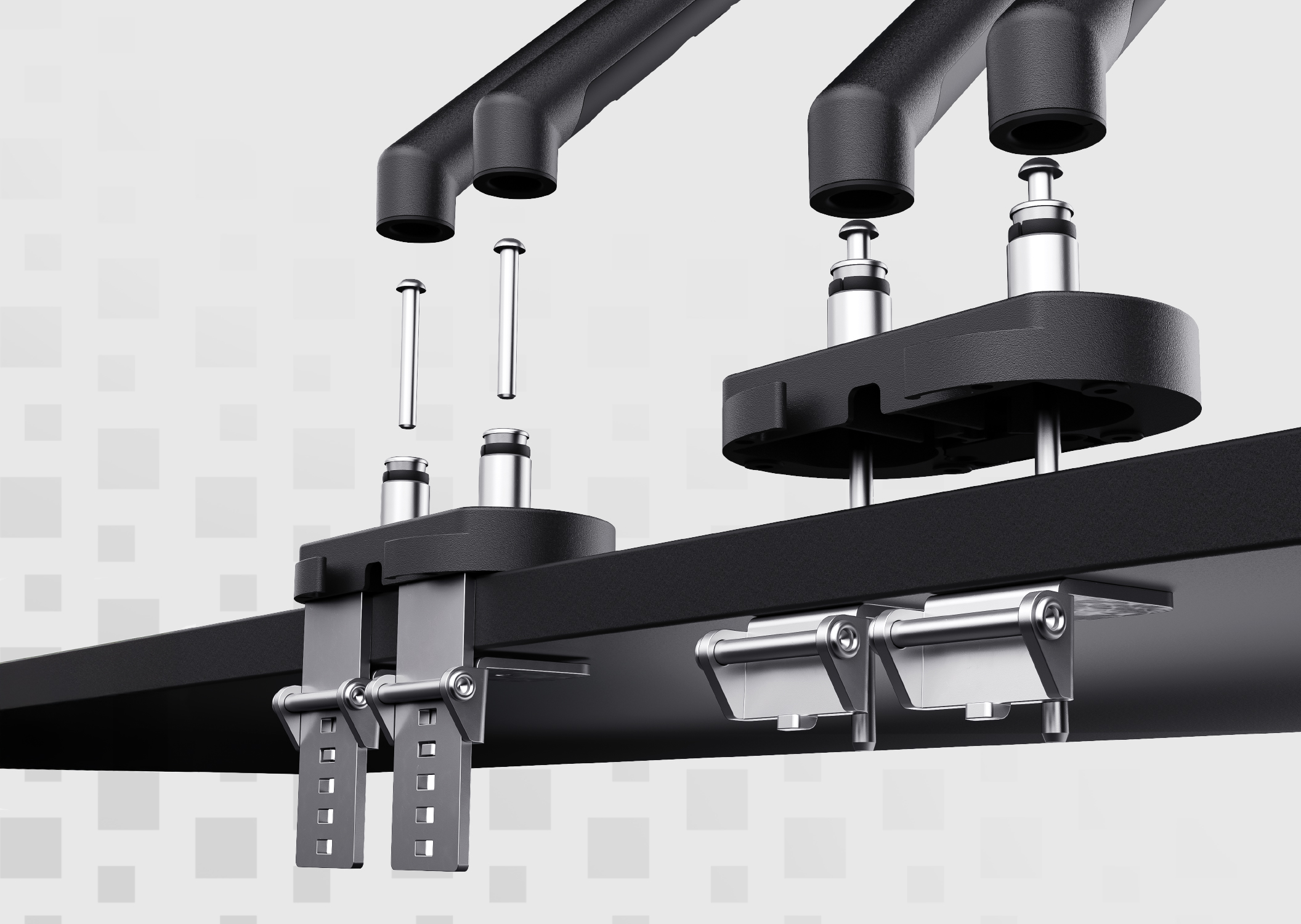
Quick installation from above

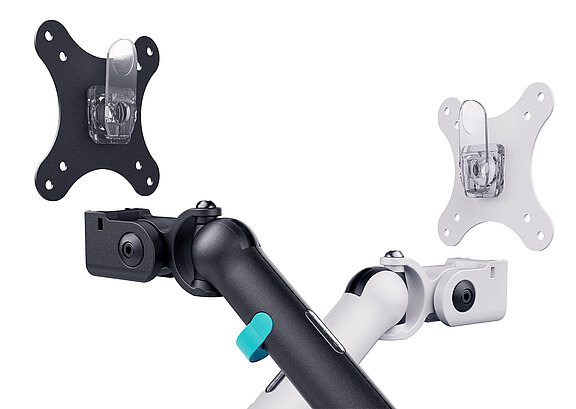
The above-table installation allows for easy attachment of the clamp directly from above. With the quick-release of the VESA plate, the monitor is quickly hung and securely locked – for particularly fast setup.
What does VESA compatibility mean?

Our mounts support the VESA standard (75x75 mm and 100x100 mm). VESA (Video Electronics Standards Association) is a worldwide standard for mounting screens. 

This means: On the back of your monitor, there are four threaded holes at exactly this standardized distance. This makes our DIGITUS mount universally compatible with almost any monitor on the market.
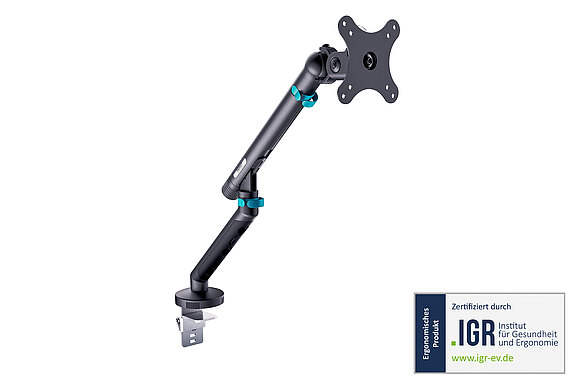
IGR product – but what is your advantage?

We are particularly proud that our DIGITUS Design Monitor Mounts have been certified by the IGR (Institute for Health and Ergonomics e.V.). 

The advantage? We offer you a product that supports an ergonomic workplace.


View certificate

The IGR certificate is a strict quality seal. It confirms, after extensive testing (among other things according to DIN 33419 / EN ISO 15537), that the product has a measurable positive effect on health in the workplace and supports the physical diversity of users.

For a product to receive the seal, it must demonstrate high usability and be optimally adaptable to the physical characteristics of the test subjects. Our mount meets these strict standards, as it allows for stepless and millimeter-precise alignment of the monitor.

An ergonomic product adapts to the person – and not the other way around. It helps you to adopt a natural, healthy posture, prevents neck and back pain, and is easy on the eyes. This is exactly what our monitor mount does by bringing the screen into the perfect line of sight.


Tips and tricks for working correctly 
with the Digitus Design Monitor Mount

 The right height: Top edge at eye level or slightly below, gaze slightly downwards
 The right distance: About an arm's length away (approx. 50–70 cm)
 Use the flexibility: Bring the monitor closer for documents
 In a dual setup: Main monitor centered, second slightly angled next to it.

Do you have further questions? Simply contact us!

 Contact us now

FAQ section:

Almost every modern monitor can be attached to a mount, provided it has VESA holes on the back. The VESA standard standardizes the distances of the screw holes, so that the mounts fit across manufacturers to the monitors.

There are table mounts (with clamp or through-table attachment), wall mounts, and stands. Additionally, there is a distinction between single (1 monitor) and dual mounts (2 monitors) as well as the type of mechanism (mechanical spring or gas spring).

A monitor mount creates a lot of free space on your desk, as the bulky original stand is eliminated. It is also essential for ergonomics, as it allows you to adjust the height, tilt, and angle of your screen precisely to your body size.

As soon as you regularly work at your desk, feel neck or back pain after long working days, or simply need more space and order (cable management) on your desk.

An IGR product has been tested and certified by the Institute for Health and Ergonomics e.V. It is demonstrably usable, ergonomic, and promotes a healthy posture at the workplace.

VESA is an international mounting standard for screens. A VESA mount has standardized hole distances (e.g., 75x75 mm or 100x100 mm) that fit exactly to the threads on the back of your monitor.

Our table clamps fit most commercially available desks. It is only important that the tabletop does not fall below or exceed a certain minimum and maximum thickness and is not made of fragile material like pure glass.

A monitor mount is the perfect addition to any desk – especially for height-adjustable desks (sit-stand desks). It perfectly rounds off your ergonomic workplace.

For an ergonomic neck position, the top edge of the screen should be about at eye level. When you look straight ahead, you should be looking slightly down at the center of the screen. This relieves the cervical spine and prevents tension.

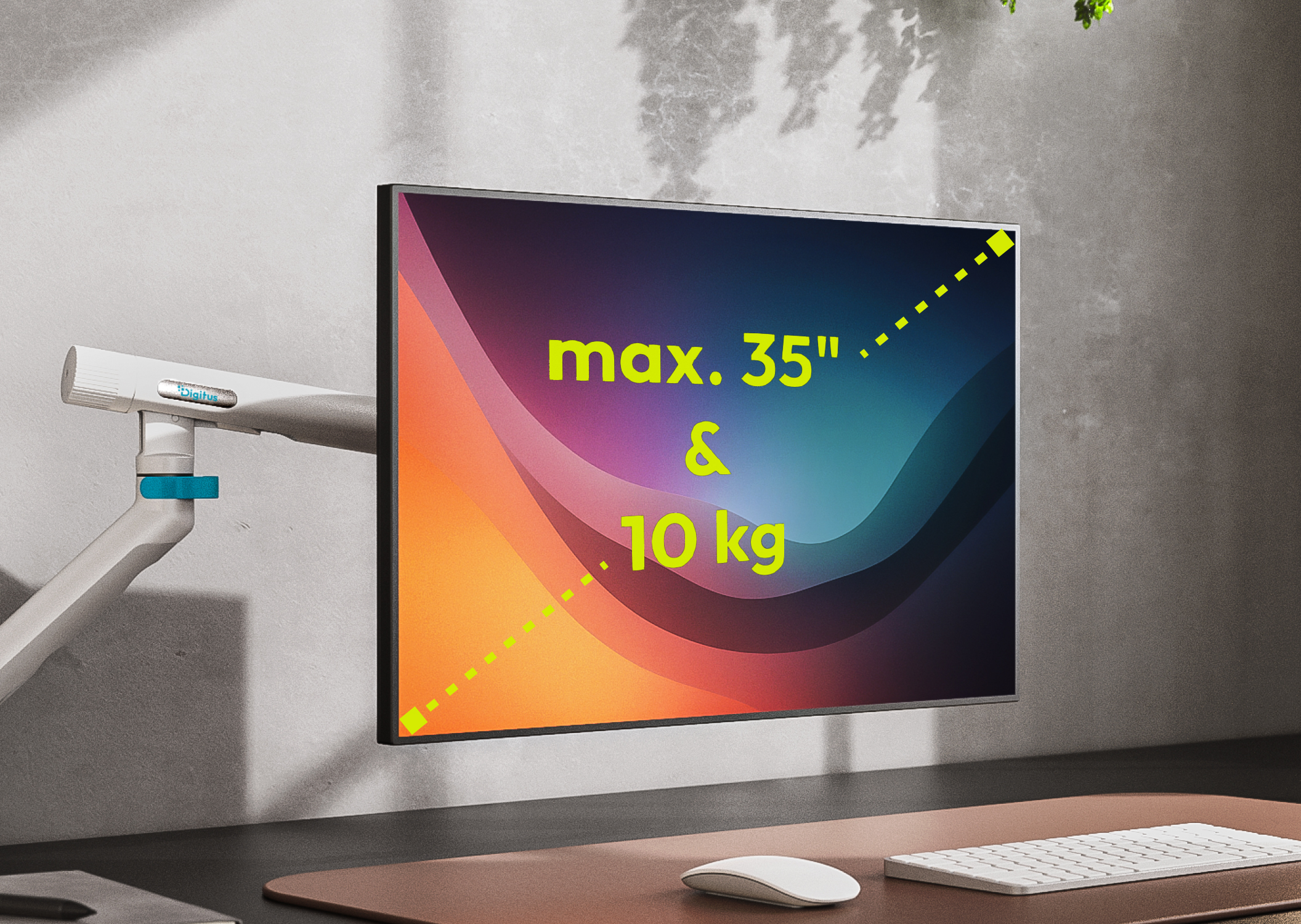
Whether single or dual variant: The solid yet elegant arms support screens up to 35 inches in size. Each arm offers an impressive maximum load capacity of up to 10 kg. This makes the mounts well-equipped for modern, large, and heavy displays.

If you are unsure how heavy your monitor is, it is best to check the manual or the manufacturer's website. 

Important: Pay attention to the weight without the stand, as you will be removing the original stand when using our mount. Alternatively, you can simply place the monitor (without the stand) on a standard personal scale.

The spring compensates for the weight of the monitor. This allows the screen to be raised, lowered, or moved sideways with little effort. This facilitates the flexible adjustment of the monitor position – for example, when switching between sitting and standing work or when the monitor needs to be realigned frequently.


More monitor mounts

Discover the entire range of Digitus monitor mounts!

To the range


More connections. More possibilities.

With the DIGITUS docking stations, you can quickly expand your notebook 
with additional connections for monitors, network, 
USB devices, and more – ideal for a tidy and productive workplace.

To the docking stations